Projects, not loose files
Each book or article is a project in your account, with its manuscript, images and captions together. Open it from any computer.
Writing and publishing workspace
MastermindStack keeps each book or article as a project with its whole history. You revise in saved versions, and every edition you publish is sealed, so what you released is what you can prove.
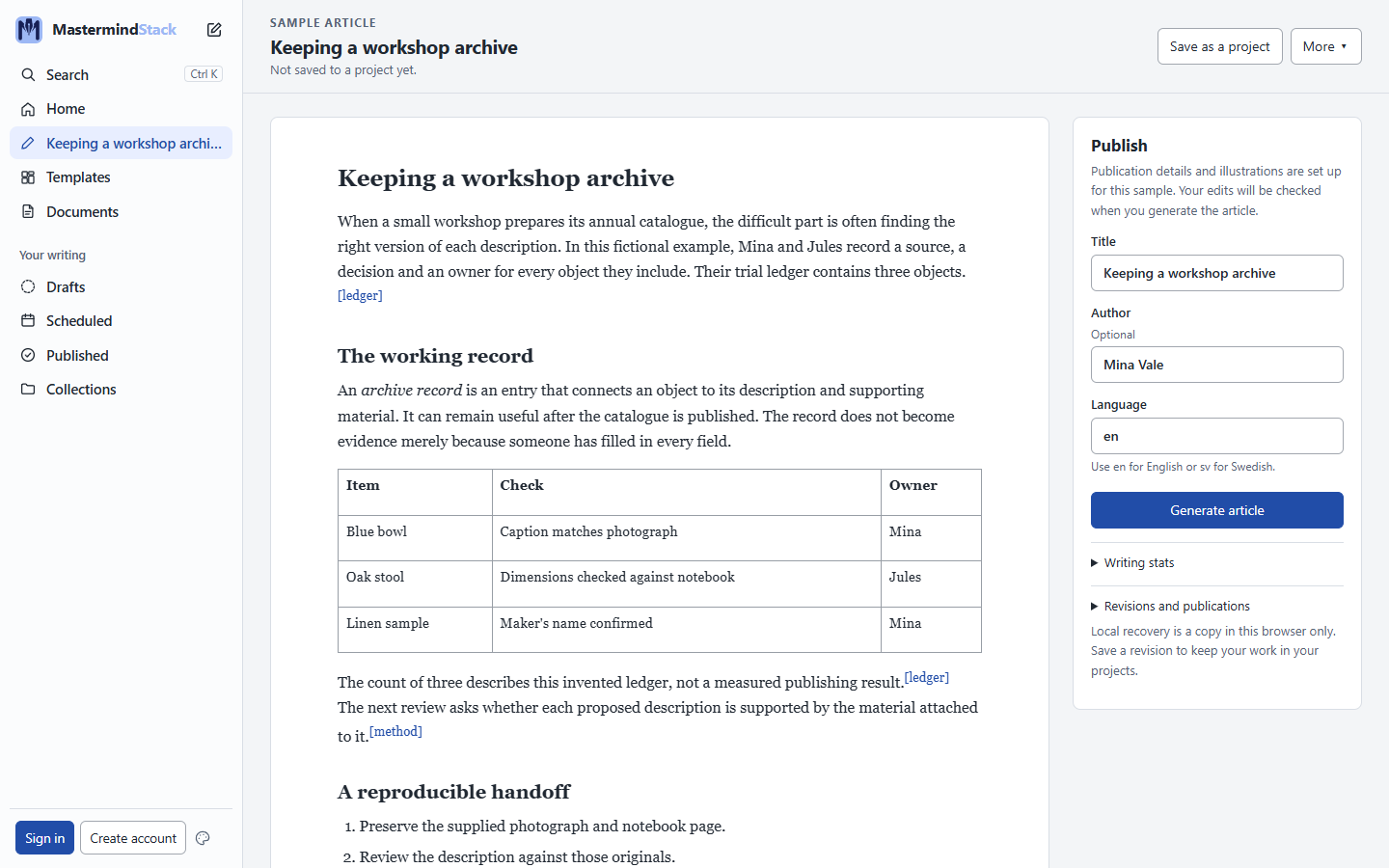
Each book or article is a project in your account, with its manuscript, images and captions together. Open it from any computer.
Save a revision whenever you reach a point worth keeping. Earlier revisions stay exactly as they were, and you can always see which one you are working on.
Publish a revision as an edition: a complete package whose every file is hashed and read back, so a published edition never changes after the fact.
Put an edition on your public page at mastermindstack.com/@you, with a feed, a link preview image, and nothing public until you choose.
Write a post, or one that links back to an edition, see how it scores for each platform before it goes, then post to Bluesky or Mastodon now or later, and see how it did.
Six presentation layout families in four colour palettes, as editable PowerPoint, previewed with a real briefing before you choose.
See the templatesCreate an account, write or import a Markdown manuscript, and save your first revision.